
Customize Cornerstone EdCast (LXP) to Fit Your Learning Strategy
Cornerstone EdCast brings learning, collaboration, and knowledge sharing into one experience within Cornerstone Galaxy. But the default setup doesn’t always match your structure, your goals, or your people. Take control of your setup. EdCast customization lets you streamline what matters and build learning journeys that reflect your brand and support real progress.
 Listen to the summary0:00 / 1:13
“We help you transform Cornerstone EdCast into a structured, branded learning space where your teams find clarity, build momentum, and connect learning to real progress.”
Turn “it works” into “it fits how we learn.”
Build a Better Experience Inside Cornerstone EdCast
Out-of-the-box reality
Cornerstone EdCast brings learning, playlists, campaigns, and knowledge sharing into one space. But once teams start using it daily, the gaps show up quickly. Content spreads across hubs, key resources get buried, and it’s not always clear where to start or how to move forward.
Your custom fit
Learning works best when it feels clear and guided. With the right setup, EdCast becomes easier to navigate, easier to trust, and easier to use.
Structure creates focus. Clear paths bring direction. And the experience starts to reflect how your teams actually learn and grow.

Learning and Development
Turn scattered content into clear direction. Build role-based learning paths from AI suggestions and guide people step by step, so learning stays focused and connected to real goals instead of turning into endless browsing.
Knowledge Sharing and Collaboration
Make collaboration part of how work happens. Highlight peer content, encourage contributions, and create a space where people learn from each other naturally, not just through assigned training.
Learning Experience and Content Flow
Connect campaigns, playlists, and hubs into one consistent experience across your Cornerstone setup. Make it easier to find the right content, follow a clear path, and return without losing context or starting over.
Insights and Optimization
Understand what works and what doesn’t. Use data to refine your learning setup, improve journeys, and keep everything aligned with real outcomes and engagement.
3… 2… 1… Launch
Campaign Pages
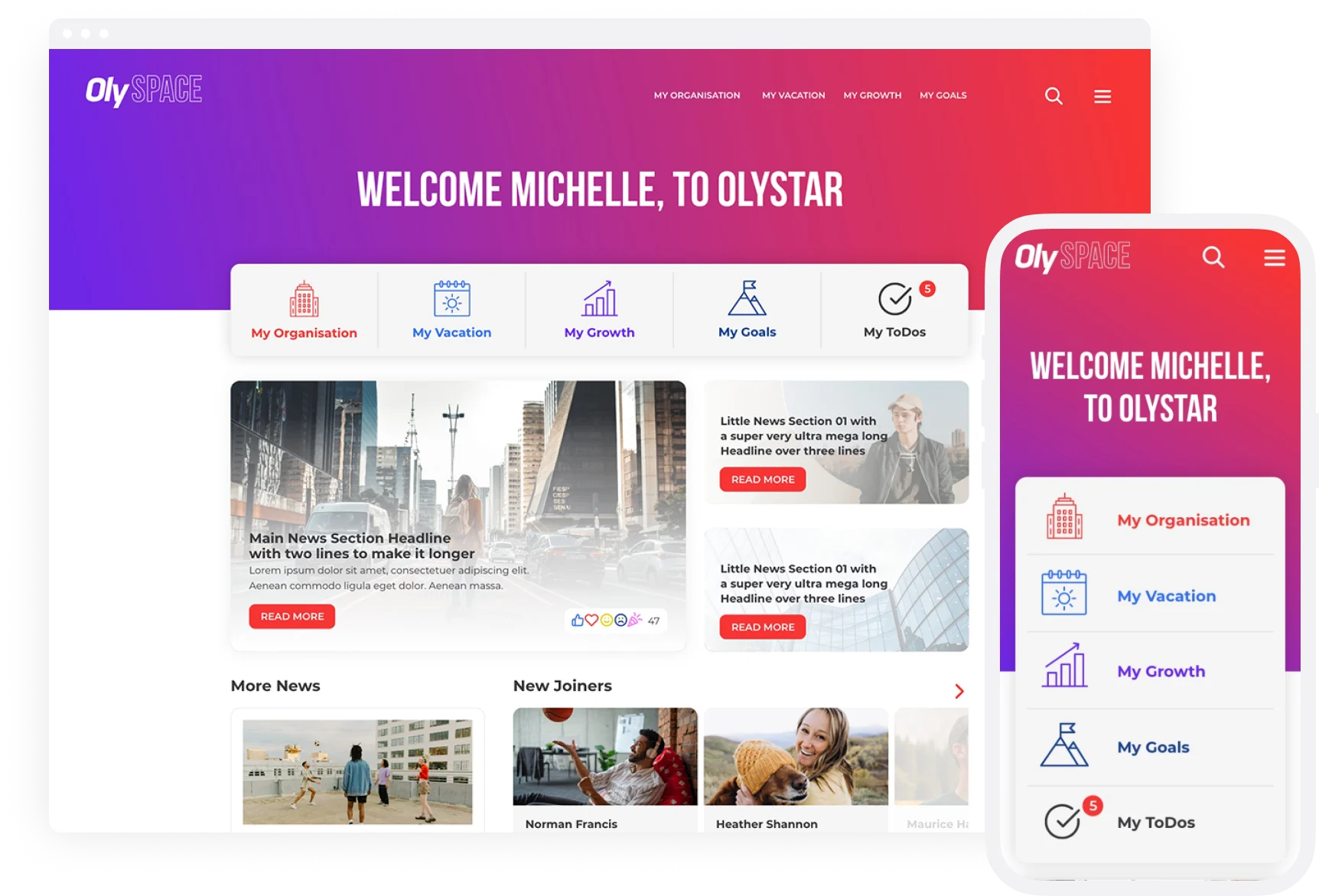
Every new initiative needs a place to land. Whether it’s a program rollout, a new focus area, or a theme to rally around, this is where attention starts to build. With the right setup, the page becomes more than an announcement. It becomes a clear starting point that guides people forward.
Out of the box, these pages can feel flat or disconnected from the rest of the experience. With structure, branding, and a clear flow, they turn into something people notice, explore, and act on.
Make it yours
Bring your branding, voice, and structure together so the page feels like part of your organization, not just another tool.
Guide the journey
Turn your content into something people can actually follow, not just click through once. Connect playlists, updates, and resources so people keep moving instead of dropping off.
Keep it fresh
Update content easily with OCE so campaigns stay relevant and evolve over time without rebuilding from scratch.
Sort it out
Learning Hubs
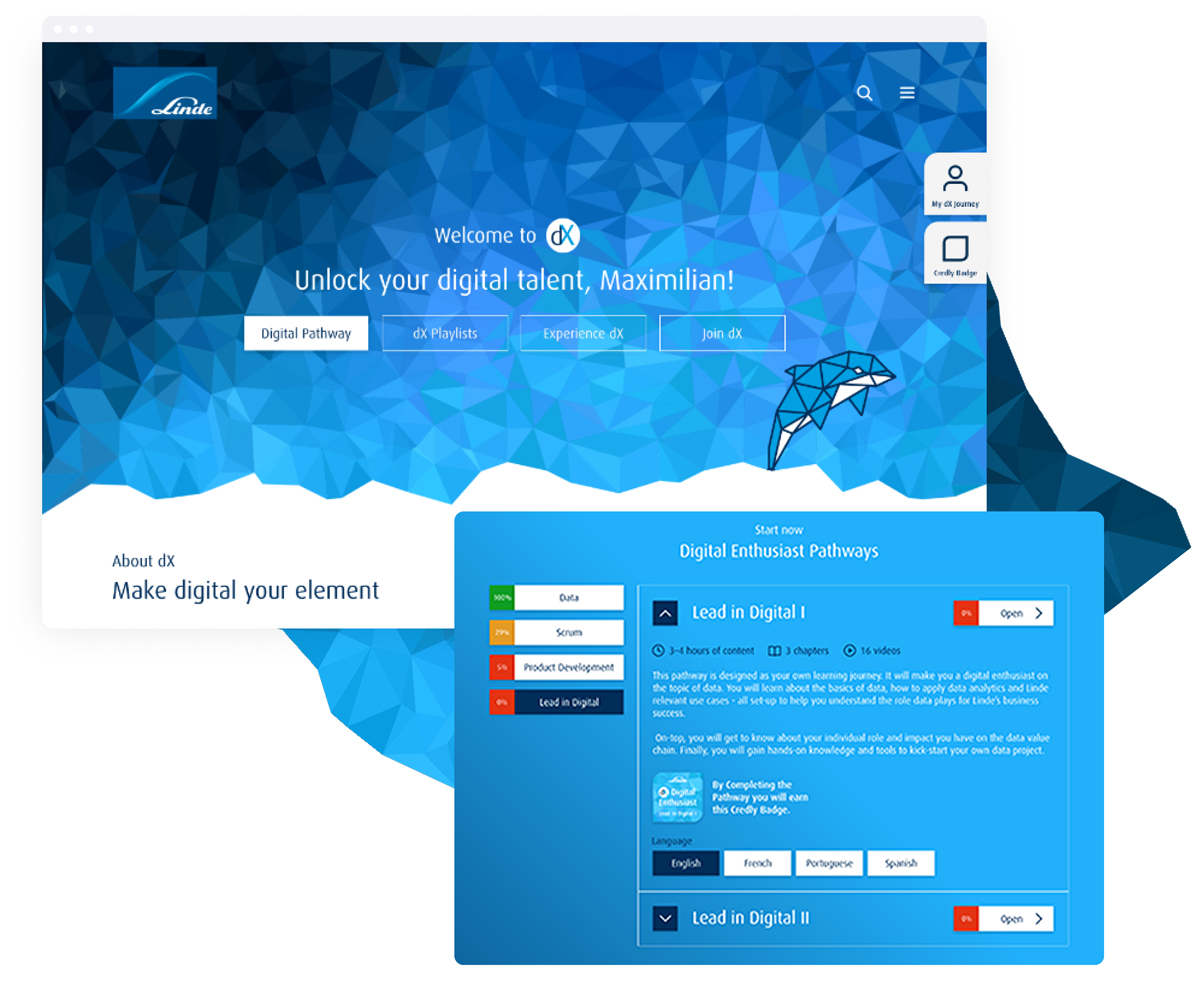
This is where people go when they need answers, resources, or a quick refresher. With the right structure and design, the Hub becomes more than a content library. It turns into a space that’s easy to explore, easy to trust, and built for everyday use.
Content is organized in a way that makes sense. Key resources are easy to find, and people know where to start and how to move through it
Group it
Organize content by topic, team, or task so people can quickly find what they need without digging.
Guide it
Help people understand where to start, what matters most, and how to continue without losing direction.
Brand it
Shape the Hub to match your brand so it feels like part of your organization, not just another section in the platform.
Let progress lead the way
Learning Paths & Journeys
Learning only works when people can see how it connects to their development. Not just content, but a clear path that builds skills over time.
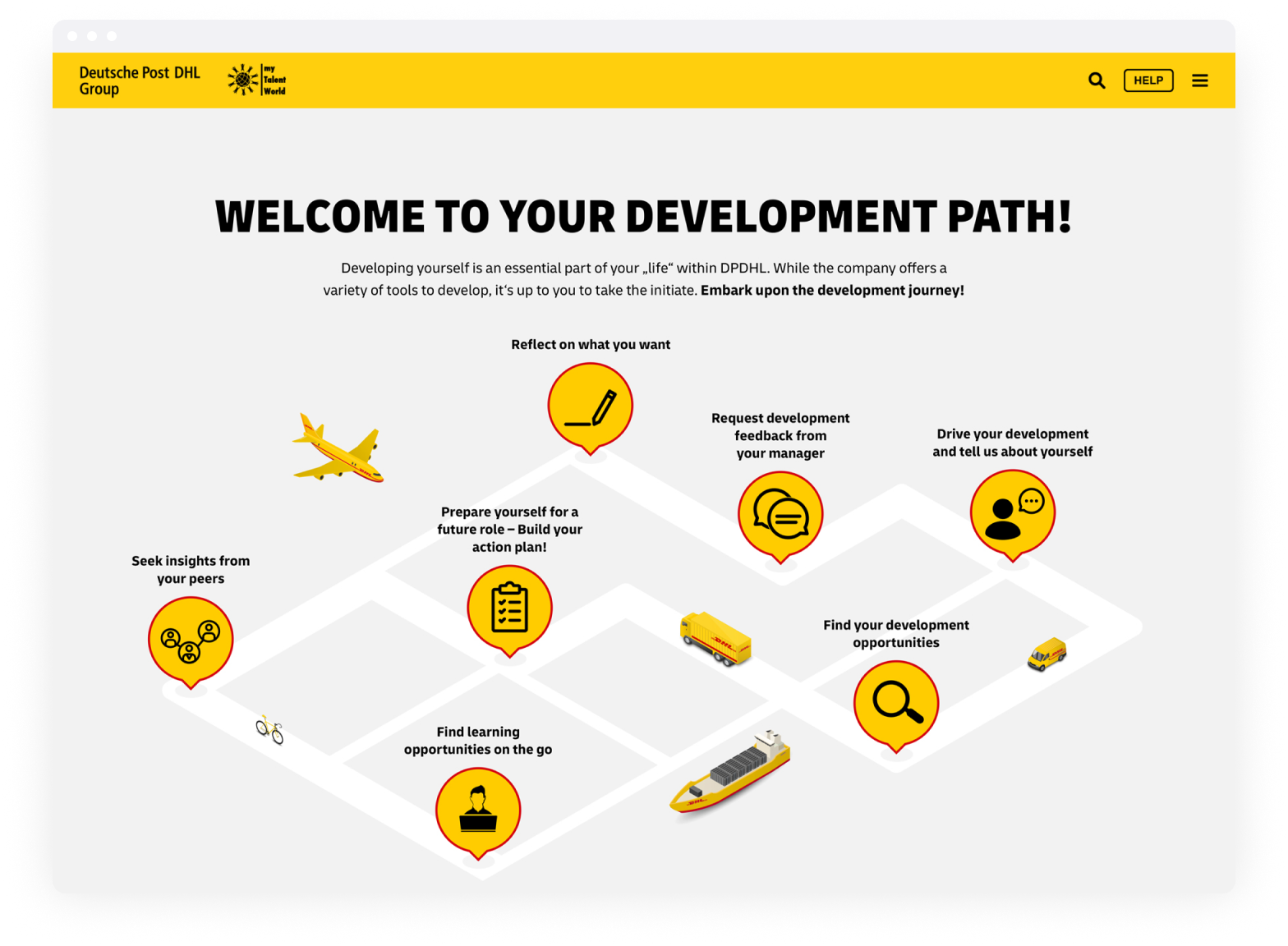
With the right setup, playlists, campaigns, and recommendations come together into structured learning paths that support real development. People don’t just explore. They build momentum.
Map it out
Turn scattered content into structured paths that support real development and make progress visible.
Personalize it
Shape learning paths based on roles, skills, or goals so the experience stays relevant and focused.
Build momentum
Use playlists, campaigns, and updates to keep learning active and help people continue without starting over.
Change the platform, not the experience
How Electrolux Built a Seamless Learning Setup
When Electrolux introduced Cornerstone Learn, the goal wasn’t to launch something new. It was to keep things familiar for employees and avoid disrupting how people already worked.
In this video, Henrik Karlsson shares how smart design, consistent branding, and the right setup turned a fragmented experience into one clear and connected learning environment.
How Electrolux Built a Seamless Learning Setup
Keep it moving
An experience that keeps evolving
Out of the box gets you started, but real impact comes when your setup stays relevant, evolves over time, and connects to how your teams work. This is where EdCast becomes something people return to, not just something they visit once.
Octily Content Editor
Take control
Update campaigns, hubs, and content in real time so your learning experience keeps evolving.
Articles and News
Start the conversation
Turn learning into interaction with comments, reactions, and shared knowledge.
Browser Notifications
Top of mind
Keep campaigns visible with timely updates, reminders, and nudges.
Chatbot Studio
Support on the spot
Provide instant help, answers, and guidance while people work, without needing to search.
octo.taxi
Better together
Link EdCast to the rest of your Cornerstone setup and wider ecosystem so data, tools, and workflows work as one.

Octily Creative
Undeniably yours
Bring campaigns and learning spaces to life with visuals and messaging that reflect your brand.
Your Cornerstone EdCast Customization Journey
How it Works
Whether you’re refreshing one page or building a full learning experience, your EdCast customization starts with a clear and collaborative plan. Everything is shaped around your goals, and you’re part of the process from the very first step.
- 1
Discovery and Proposal
We start with a conversation. You share your goals, we explore your setup, and define what success could look like. Then we create a proposal that fits your timeline, your priorities, and your platform needs.
- 2
Design and Build
This is where ideas take shape. We design your campaign pages, hubs, and learning flows, and build them to match your brand and users. You’ll see concepts early, give feedback throughout, and stay in the loop the whole way.
- 3
Review and Launch
When everything is ready, we test together, make final adjustments, and support your go-live. After launch, we’re still here if you need to evolve your setup or plan the next phase.
Questions that usually come up
Frequently Asked Questions
Time to upgrade from standard
Make EdCast learn your way
Bring campaigns, hubs, and learning paths together. Start with one campaign or shape the full experience so everything connects and your teams keep growing.
“Octily helped our client achieve a massively successful launch with significant increases in learner engagement in incredibly short timescales.”

Andrew Howes
Regional Sales Manager
Cornerstone OnDemand
Learning & Skills
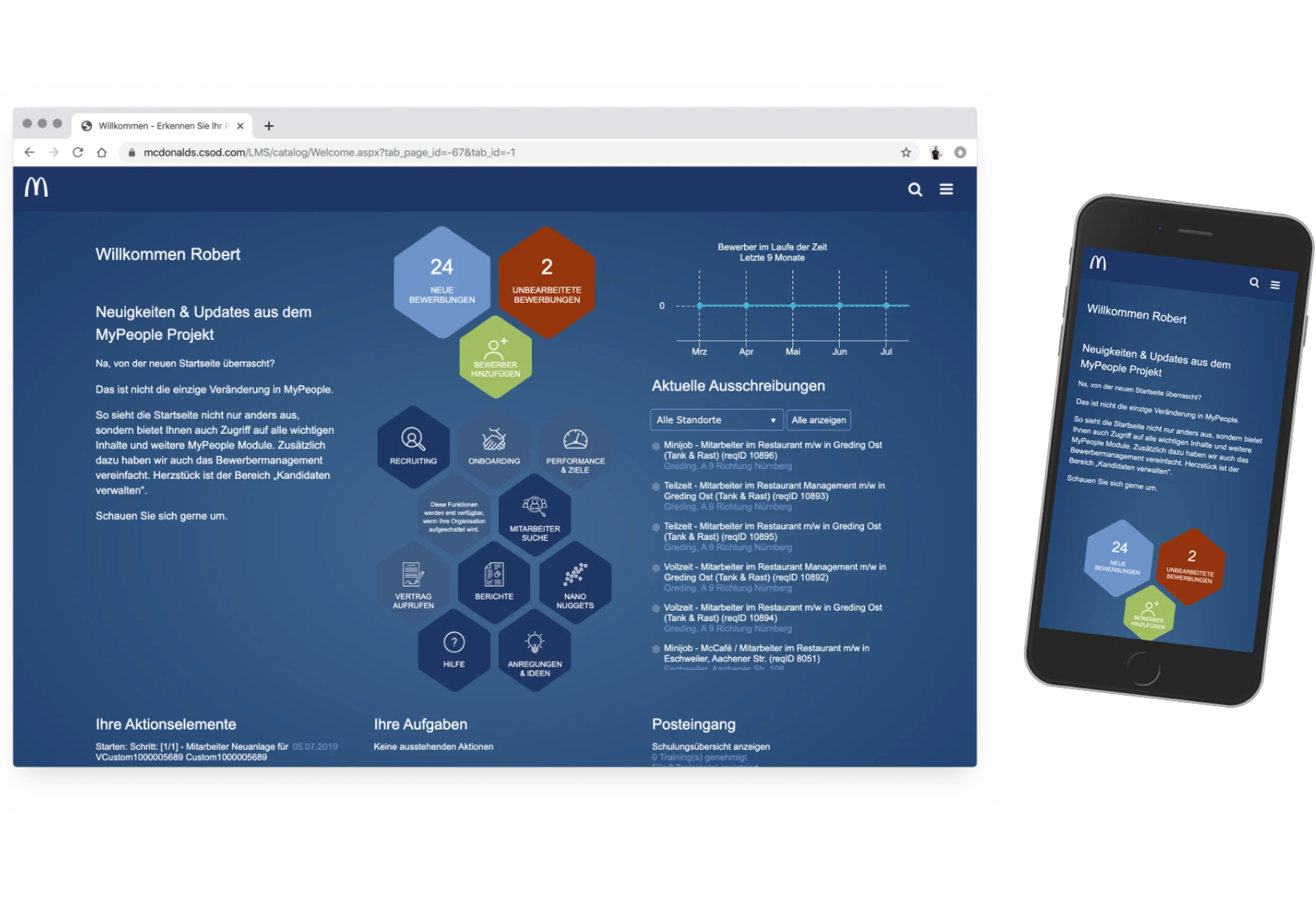
When learning feels relevant from the start, skills gaps are easier to close. Customize learning experiences in Cornerstone so the right content shows up at the right time and helps employees build the skills they need. When it’s clear what matters, people actually apply what they learn.
Analytics & Reporting
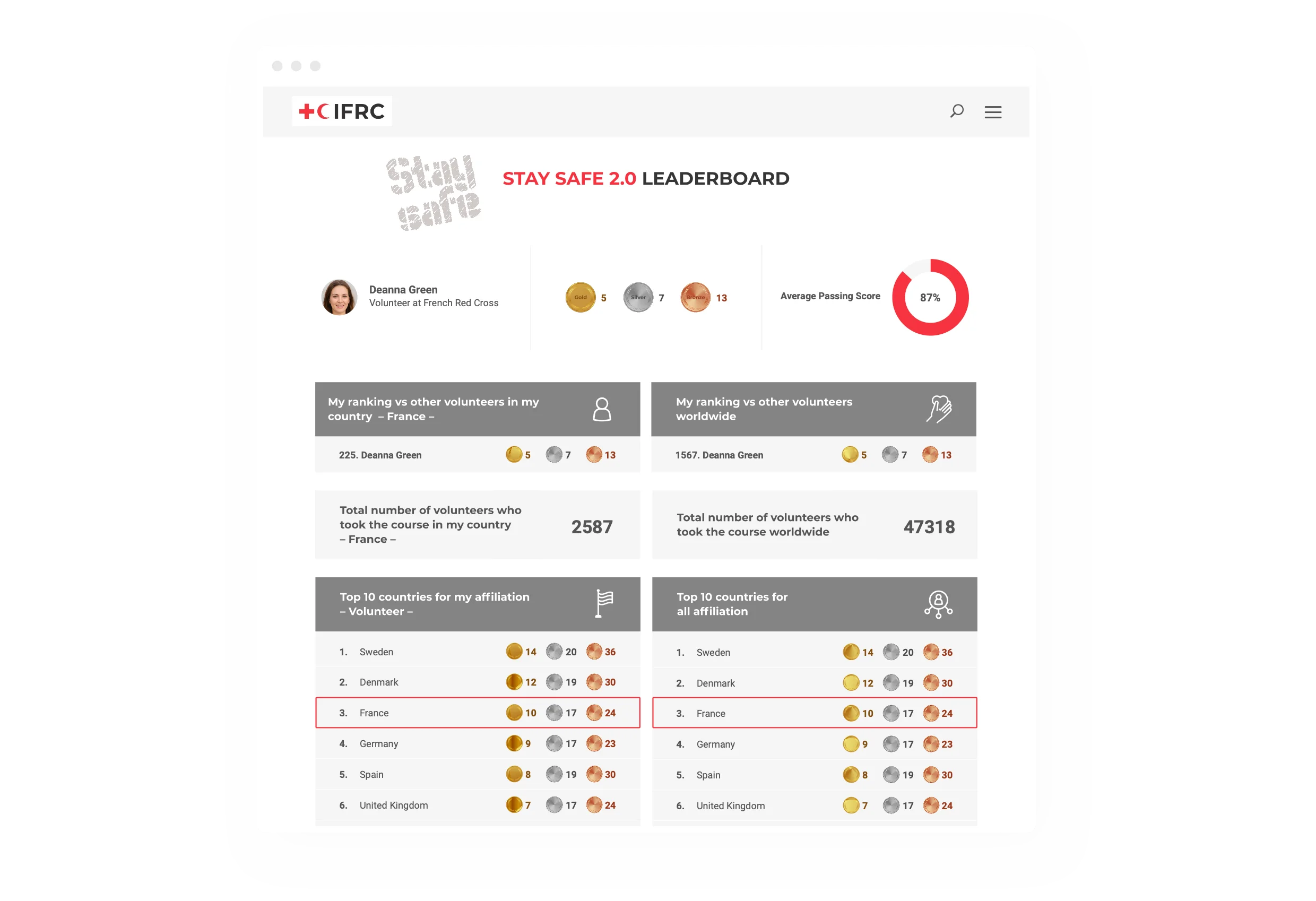
Get a clear view of your platform and know exactly where to step in. Build HR dashboards and reporting tools, track key metrics, and turn reporting into clear, actionable insights that support better decisions across HR, learning, and your teams.
Learner Home
Transform your organization’s learning environment with our Personalized Learner Home. Designed to deliver a highly customized, engaging, and efficient learning journey, our solution ensures that each learner’s experience is tailored to their unique needs and goals, enhancing overall effectiveness and satisfaction.

Building with AI: from Shiny Prototype to Painful Maintenance
AI made the software demo fast and cheap – but the last 20%, the security, and the maintenance still aren't. Why building it yourself usually backfires.